Brand: Woniry
LG Magic Remote MR20GA Voice Remote Control (2020-2023)
LG Magic Remote MR20GA Voice Remote Control (2020-2023)
- Pan India Fastest Delivery
- Premium Quality Remotes
79 in stock
Couldn't load pickup availability
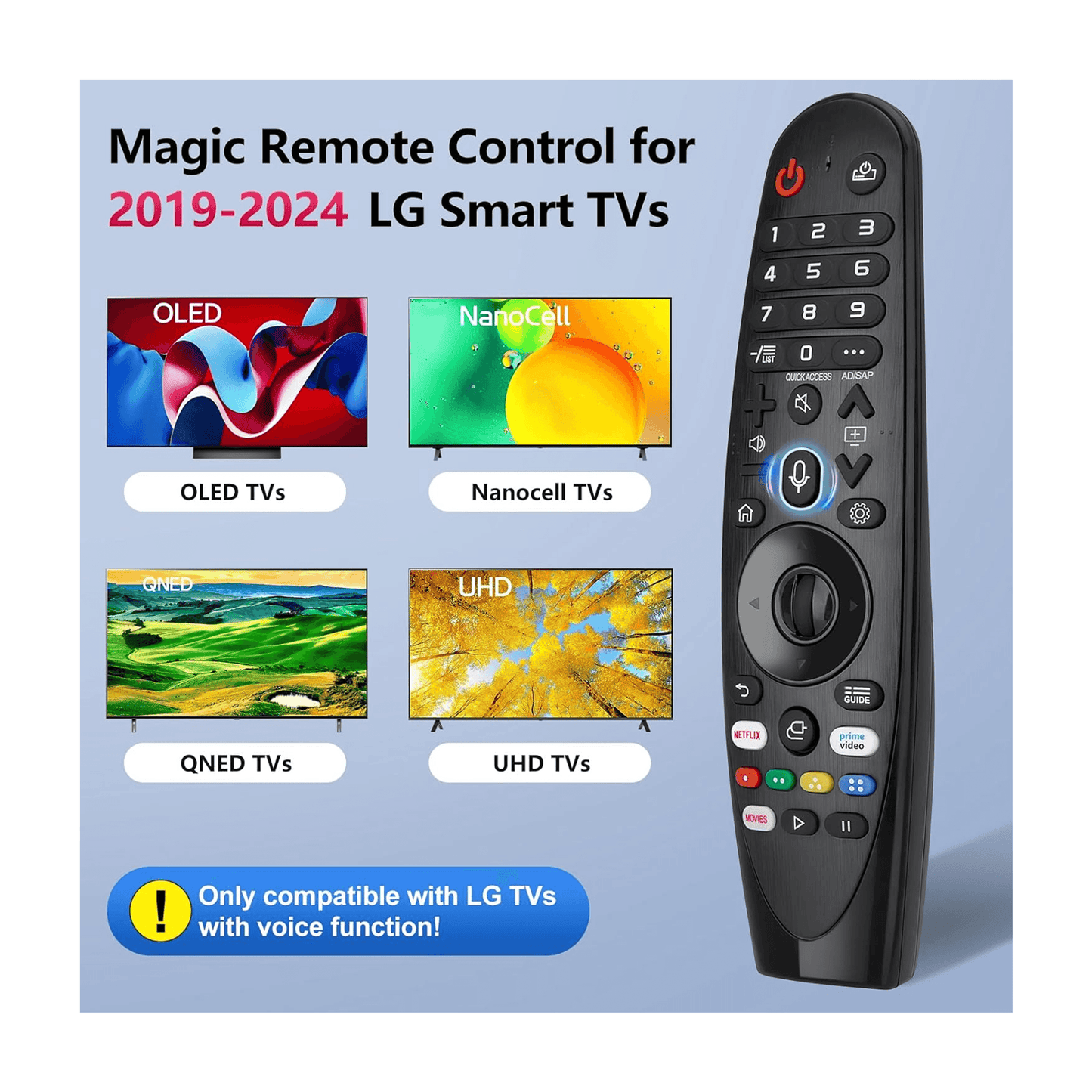
This Woniry replacement remote works with LG Magic Remote models MR19BA, MR20GA, MR21GA, MR22GA, and MR23GA, designed for LG smart TVs from 2018 onwards.
Compatible Models:
Magic Remote codes: MR19BA, MR20GA, MR21GA, MR22GA, MR23GA, MR18BA, MR650A, AKB75855501
TV series: UHD (UP70, UP75, UP76, UP80, UP87, UN85, UN73), OLED (A1, B1, C1, G1, ZX, WX, GX, CX, BX), QNED Mini-LED (QNED 90, QNED 99), NanoCell (Nano 75, Nano 80, Nano 85, Nano 90, Nano 99)
This is a Bluetooth Low Energy (BLE) remote, not an IR remote, so it must be paired with the TV before it works.
What is in the box: one remote. Batteries not included (needs two AAA cells). No user manual, but pairing steps below.
How to pair this remote with your LG smart TV:
1. Switch on the TV using the original remote or the power button on the set, and stay on the home screen.
2. Insert two AAA batteries into the new remote (not included).
3. Hold the Wheel (scroll wheel button) and Back buttons together for about 5 seconds until the LED on the remote starts blinking.
4. The TV will show 'Pair new remote' or detect the remote within 30 to 60 seconds.
5. Once the LED stops blinking and stays solid, the remote is paired. Test the volume button.
First-time tip: keep the remote within 30 cm of the TV during pairing. After pairing, it works from across the room.
Pointer function: move the remote in the air and a cursor appears on screen. Press the scroll wheel to select. Voice button: hold and speak to launch Google Assistant or voice search (TV must be connected to internet).
If your TV is currently paired to a different remote, the new remote may need the TV to be in pairing mode (TV settings, Remotes and Accessories, Add new remote). Some LG smart TVs only allow one paired voice remote at a time. If the TV does not detect the new remote after 60 seconds, restart the TV and try pairing again.
FAQ
Q: Will this work with LG CRT or old LED TVs from before 2018?
A: No. This is for LG smart TVs with webOS (2018 onwards). Older non-smart LG TVs use infrared remotes, not Bluetooth.
Q: Can I use this remote with two LG TVs at the same time?
A: No. Bluetooth remotes pair with one TV at a time. You can unpair and re-pair with a different TV, but not control both at once.
Q: Does the pointer work immediately or do I need to calibrate it?
A: It works immediately after pairing. If it drifts, shake the remote gently or press the Home button to recalibrate.
Q: My TV shows 'Magic Remote not found' even after pairing. What should I do?
A: Remove the batteries, wait 10 seconds, reinsert them, and try pairing again. If it still fails, check if another Magic Remote is already paired (go to Settings, Remotes and Accessories, and unpair the old one first).