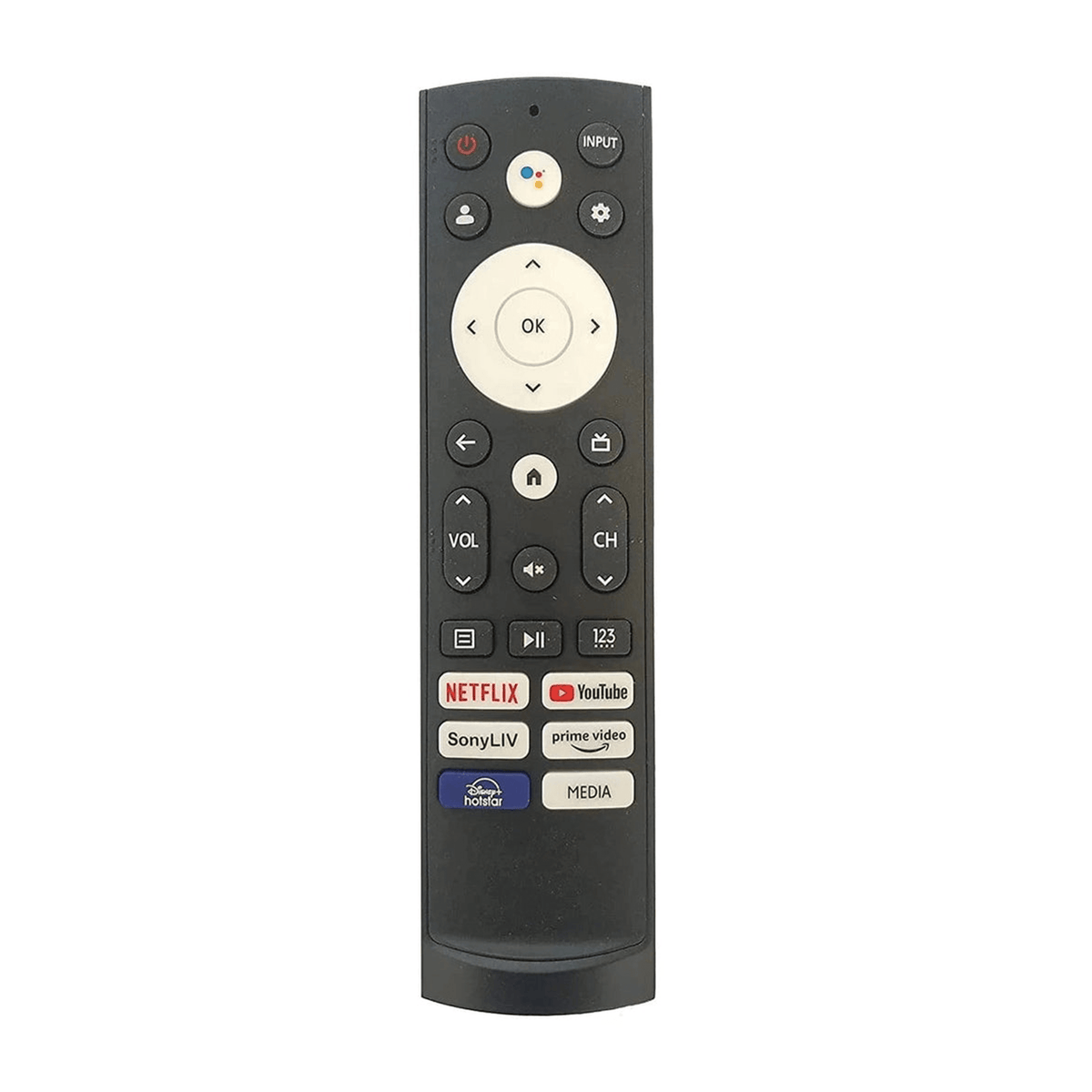
Brand: Woniry
Hisense 43A6H Android TV Voice Remote (Bluetooth)
Hisense 43A6H Android TV Voice Remote (Bluetooth)
- Pan India Fastest Delivery
- Premium Quality Remotes
90 in stock
Couldn't load pickup availability
This Woniry Bluetooth voice remote replaces the original for Hisense 43A6H and related Android TV models. The remote uses Bluetooth Low Energy (BLE), not infrared, so it must be paired with your TV before it works.
Compatible Models:
Hisense A6H series: 43A6H, 50A6H, 55A6H
Hisense A6K series: 43A6K, 50A6K, 55A6K
Hisense A7H series: 50A7H, 55A7H, 65A7H
ERF3T920H (original remote model code)
What is in the box:
One Bluetooth voice remote. Two AAA batteries are not included. No user manual (pairing steps below).
How to pair this remote with your Hisense Android TV:
1. Switch on the TV using the original remote or the power button on the set, and stay on the home screen.
2. Insert two AAA batteries into the new remote (not included).
3. Hold the Home + Back buttons together for about 5 seconds until the LED on the remote starts blinking.
4. The TV will show 'Pair new remote' or detect the remote within 30 to 60 seconds.
5. Once the LED stops blinking and stays solid, the remote is paired. Test the volume button.
First-time tip: keep the remote within 30 cm of the TV during pairing. After pairing, it works from across the room.
Honest note: if your TV is currently paired to a different remote, the new remote may need the TV to be in pairing mode (TV settings, Remotes and Accessories, Add new remote). Some Android TVs only allow one paired voice remote at a time. If the voice button does not work after pairing, check that your TV software is up to date (Settings, Device Preferences, About, System Update).
FAQ
Q: Will this remote work without pairing?
A: No. This is a Bluetooth remote, not an IR remote. You must pair it first.
Q: Does the voice search button work?
A: Yes, once paired. Press and hold the microphone button, speak your query, and Google Assistant will respond.
Q: Can I use this if I already have the original Hisense remote?
A: Yes, but most Hisense Android TVs allow only one paired voice remote at a time. You may need to unpair the old one first.
Q: What if the pairing fails?
A: Check the batteries are fresh. Stay within 30 cm of the TV. If it still fails, restart the TV and try again. Some 2019 or earlier Hisense models running older Android versions may not support third-party Bluetooth remotes.