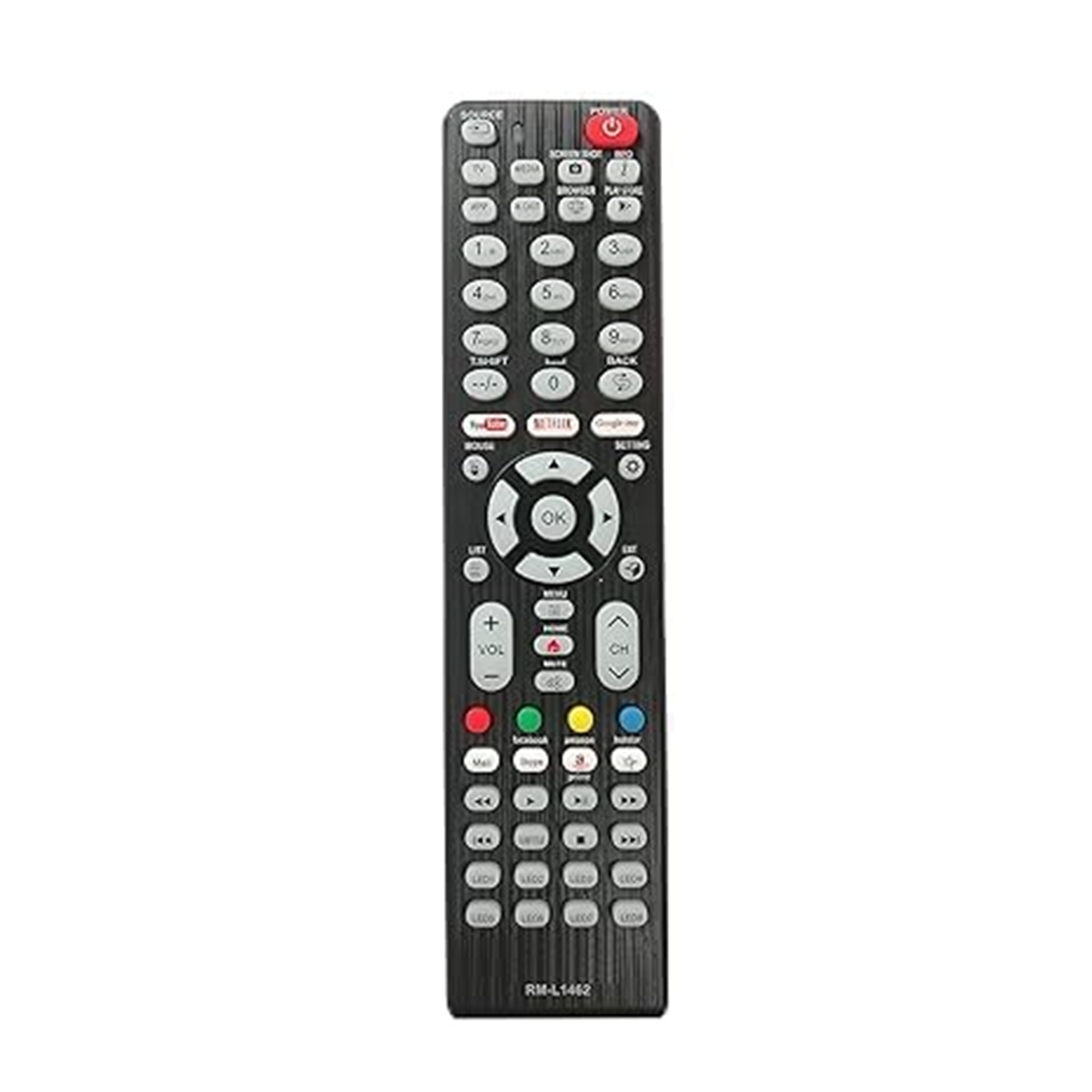
Brand: Woniry
8-in-1 Universal Smart LED TV Remote with Netflix and YouTube Buttons
8-in-1 Universal Smart LED TV Remote with Netflix and YouTube Buttons
- Pan India Fastest Delivery
- Premium Quality Remotes
90 in stock
Couldn't load pickup availability
This Woniry 8-in-1 universal remote replaces lost or broken remotes for most LCD and LED Smart TVs from brands like Sony, Samsung, LG, Panasonic, Videocon, Onida, Vu, Micromax, and others.
Compatible Models:
Works with most Indian-market Smart LED and LCD TVs manufactured between 2015 and 2024. The auto-search function scans common brand codes, so you do not need to hunt for model numbers. Typical compatible brands: Samsung Crystal and QLED series, LG NanoCell and webOS TVs, Panasonic Viera, Videocon, Onida Fire TV editions, Vu Premium Android TVs, Micromax LED models, Haier Android TVs, Intex Smart TVs, BPL, and Sansui Smart TVs.
What is in the box: one universal remote (model RM-L1462 or similar 8-in-1 variant). Batteries not included. You need two AAA cells.
How to set up this remote:
1. Insert two AAA batteries (not included).
2. Switch on your TV using the power button on the set.
3. Point the remote at the TV. Hold the 'Set' button until the power LED on the remote lights up.
4. Press the 'Power' button on the remote repeatedly. The remote will cycle through brand codes. When your TV turns off, press 'Set' again immediately to lock that code.
5. Test the volume and channel buttons. If they work, setup is done. If not, repeat step 4 to find the next working code.
The auto-search can take 2 to 5 minutes depending on how many codes it cycles through before finding yours. Keep the remote pointed at the TV sensor the whole time.
Honest note: this is an IR remote, not Bluetooth. It will not pair with voice-enabled Android TV remotes that use BLE. The Netflix and YouTube buttons work only if your TV already has those apps installed and your TV firmware supports direct-launch shortcuts (most 2018 onwards Smart TVs do). If your TV is a basic LED without smart features, those two buttons will do nothing.
FAQ:
Q: Will this work with my Mi TV?
A: Yes, most Mi and Redmi Android TVs from 2019 onwards respond to the LG or Samsung code set during auto-search. Try both.
Q: Do I need to reprogram it every time I change batteries?
A: No. Once a code is set, it stays in memory even when you remove the batteries.
Q: Can I control my set-top box and TV with this one remote?
A: No. This remote is TV-only. For DTH or cable box control, you need a separate STB remote or a learning remote that can copy multiple devices.
Q: Why is the Netflix button not working?
A: Your TV must have the Netflix app installed and support IR shortcuts for app launch. TVs without smart features or very old firmware (pre-2017) may not respond to app buttons.
Q: What if none of the codes work for my TV?
A: Contact us on +91 6354583783 or Instagram @woniry_remote_house with your TV brand and model number. We can suggest a specific code or recommend a different remote.